Prototype
I got distracted by some led lights and asked Tesla how he did it.
It's just a few LEDs and a controller. I thought it couldn't be that hard. ^^
Not planning, not reading up on it wasn't the best idea but it was fun :3
The code is published on Github, the spikes aren't perfect and will need a new version if done again.
The Prototyoe needed:
- Feather RP2040 SCORPIO - 8 Channel NeoPixel Driver
- NeoPixel Mini Button
Lithium Ion Battery - 3.7V 2000mAh- Resin printed spikes
- Capacitive Touch Sensor - AT42QT1070
- A switch, I use a DPDT
- Some wires and solder to connect everything
Building the hood
3D Printing Spikes
Most of my spikes are printed with clear PETG. It prints well, and withstands a lot.
I got aceptable results and did not have the pacience to play with the settings. cnc-kitchen has a good tutorial about it.
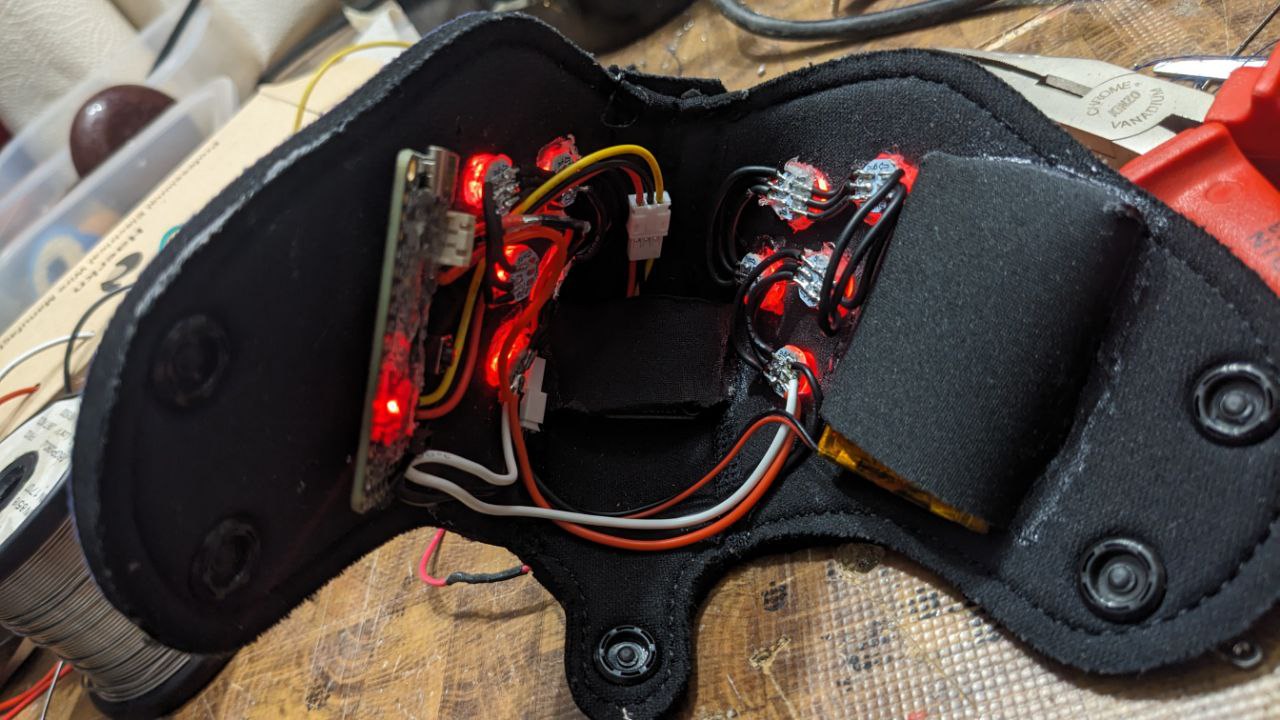
Battery Placement
Having the battery on the side is less notable than having it in the front/on top.
I bought a 2mm Neopren sheet and "black witch neoprene glue" to make a "cup" for the battery.
Using it is easy, just put the battery on the neoprene, cut it and fold the sides.
Then apply the glue to the side thats closest to LED's first and hold it in place for a minute.
Repeat with the bottom and the other side, wait a bit and its finished.
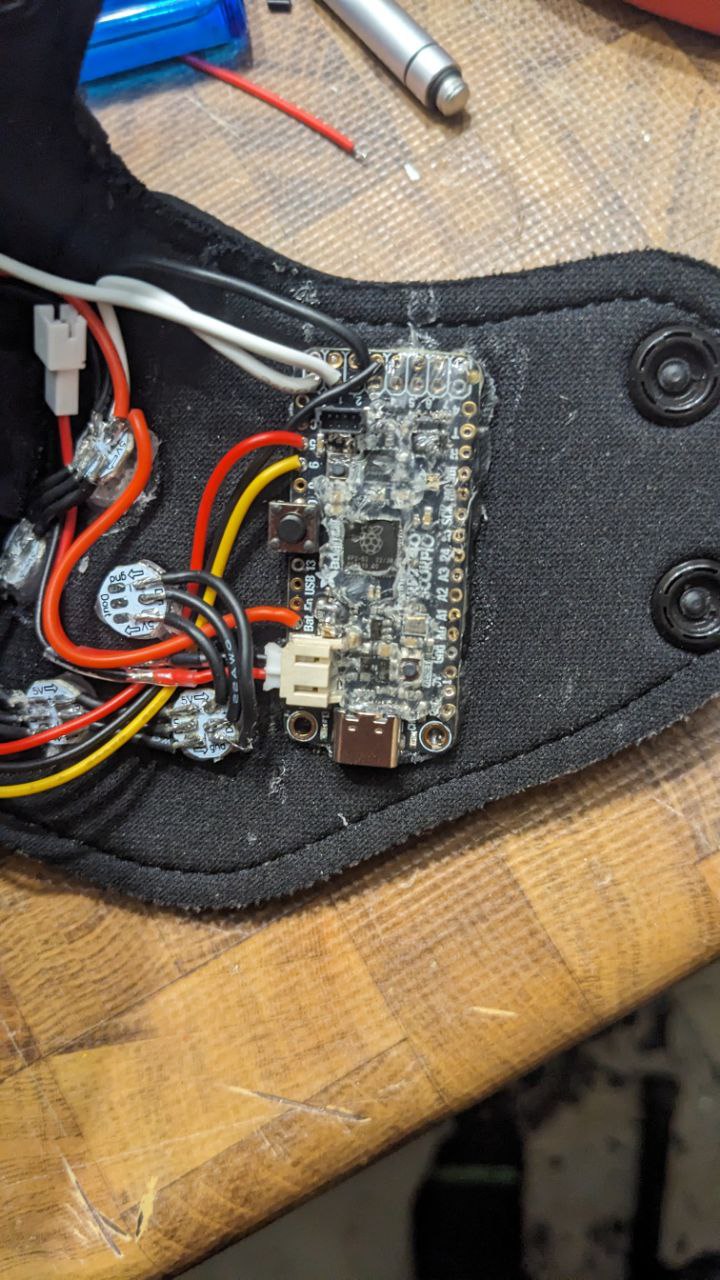
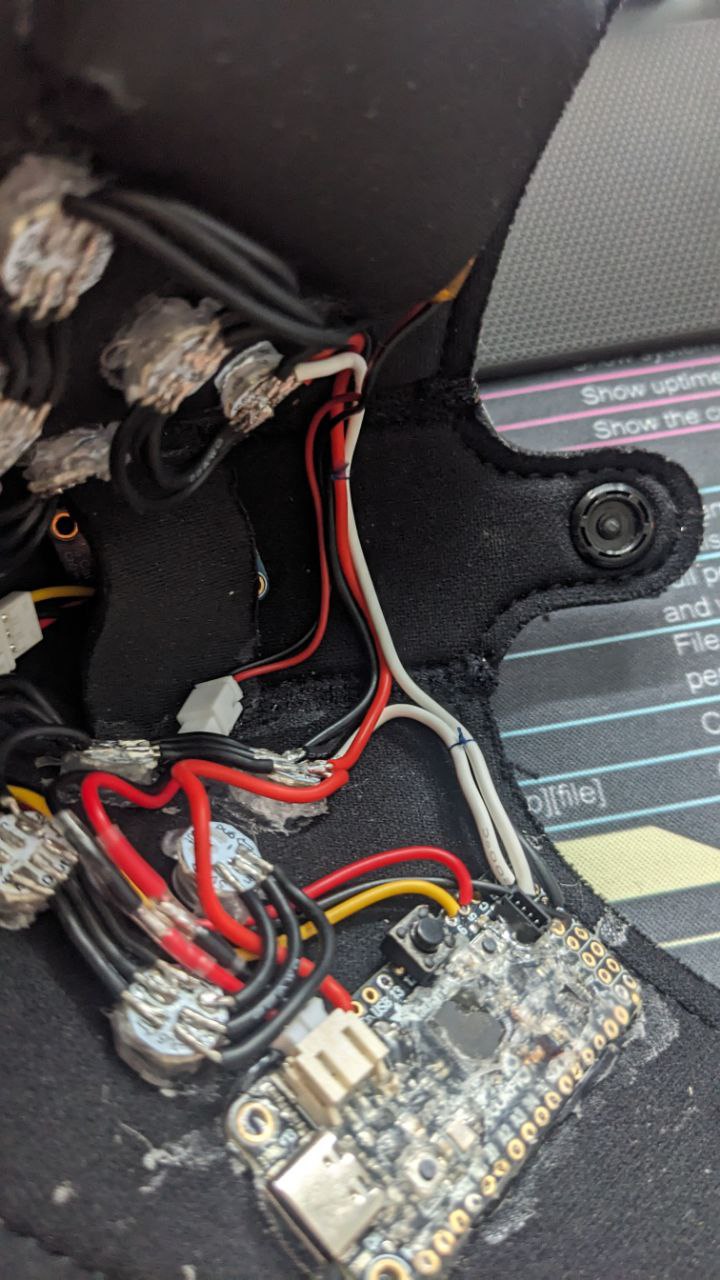
Controller Mounting
The inside of the muzzle is open cell neopren. Hot glue gets pushed into the material and holds very well.
I Covered the backside of my with hot glue and pressed it on. It holds even wehn plugging in the UCB-C cable.
Changing soldering on the controler is a bit of a problem, i might mount the controler on something next time and glue the mount on.
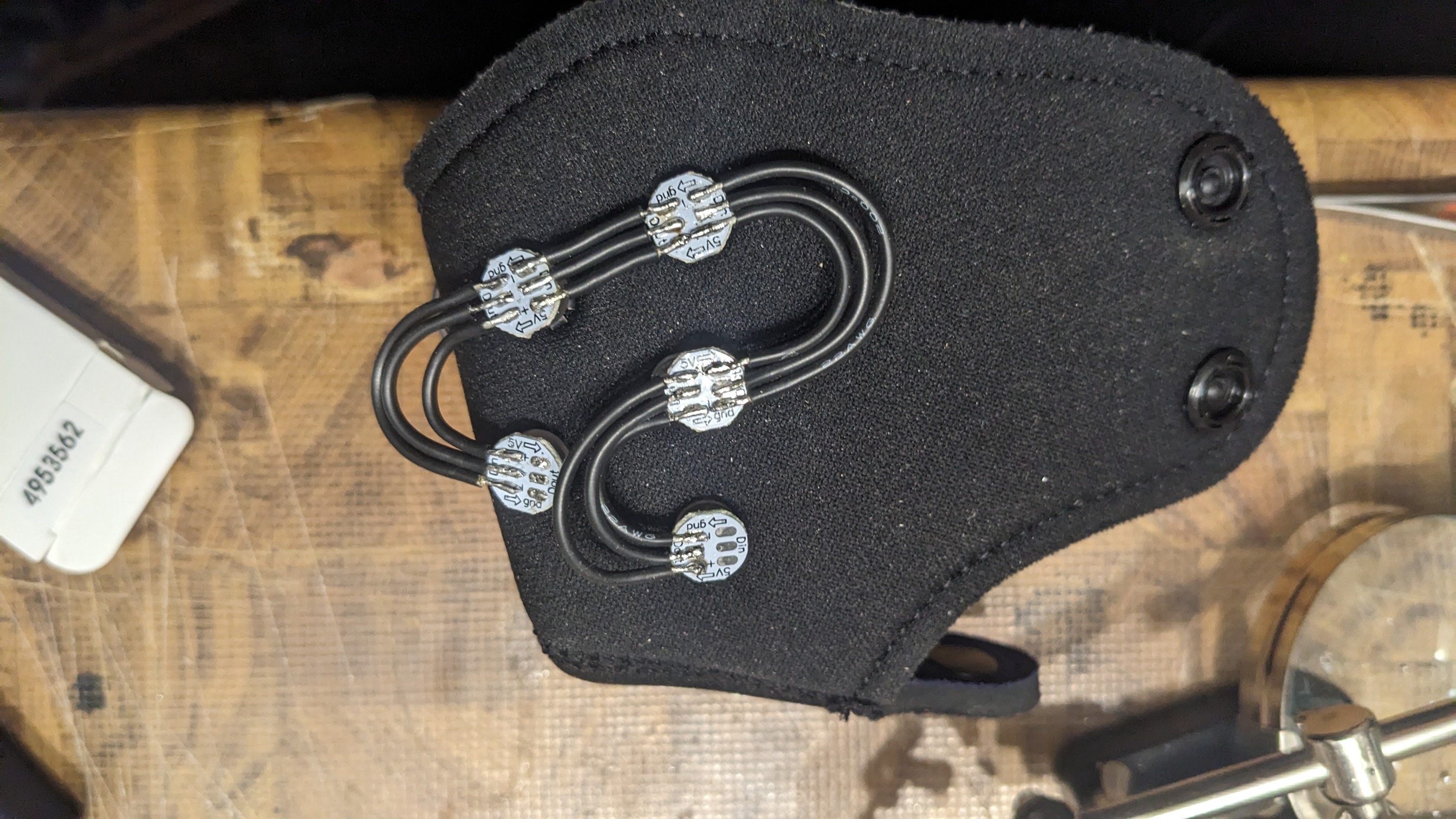
LED Installation
Gluing the led's with hotglue onto the spikes works good.
Soldering the led's can melt the glue, that can help with fine adjustments but they might get loose while repairing them.
I had problems with that on the first hood but presoldering the led's and then gluing them on worked.
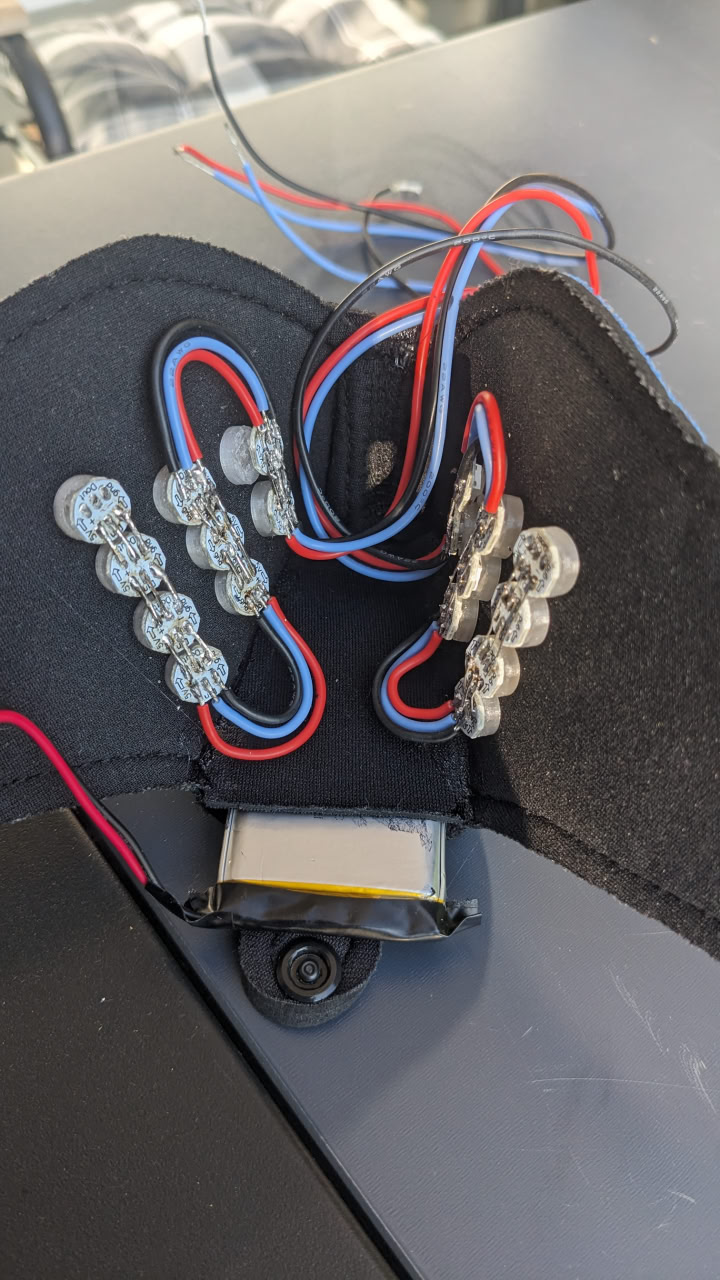
First Prototype Design
My first prototype had the battery up top. There is a lot of space but you fell it pulling more when it is on the side
The leds were soldered with bus-bars, I can make them stand up straght without a problem but it also stays in shape if somebody boops to hard >_>
Cable Management
I quickly got used to the added weight; the muzzle is comfortable.
However, a loose wire can be irritating if it touches your nose or mouth.
The boop sensor
Sensor Sensitivity Issues
The only problem with "increases when another electrode is close by" is that the second sensor was always on or off. The sensor can also be triggered by other things, such as the wiring in the muzzle.
I had some Problems with the sensor triggering when somebody pinched the muzzle or moved it around.
Large Electrode Test
My first tests were with aluminium foil.
Bigger electrodes get a longer detection range.

Initial Electrode Design
My first plan was to use the battery as a electrode but I didn't get it working.
I found myself big pcb that fits perfectly in the top part of my hood.
It made a small distance btween the Electrode and the battery, it worked suprisingly well.

Adjusting Sensor Sensitivity
A single wire does not have a long detection range.
That has the downside that interaction is only recognized when something gets very close.
But it solves the problem of the sensor being triggered by the wiring in the muzzle.

Improved Electrode Design
I build a second sensor out of solid aluminium and moved to the front to have a "real" boop sensor.
The capacitive sensor functions by measuring how much charge the connected electrode can store.
This increases when another electrode is close by, such as a finger.

Final Electrode Implementation
I would have prefered to have a plate between the nose and the neopren but that would need a lot of sowing skill.
A needle and pliers to pull it through were egnout to pull the wire.
It works like a charm, not a long detection range but still very reliable.